
PHP has many frameworks, so many times we are confused to choose framework.
Just choosing a framework is still confused ...
... let alone choose a mate  .
.
.
Serious!
Many are still confused about choosing the framework. Even spend time looking for comparisons between frameworks.
Instead of comparing, we should start learning one of the frameworks.
So that later we can deduce ourselves, which framework is preferred and suitable for us to use.
If it's not suitable ... just search and study the other framework.
It's useless, it's hard to learn, but it's not suitable.
In my opinion:
There is nothing in vain in learning. Because we will get knowledge and experience.
Even if the knowledge cannot be practiced, at least we can teach others.
Okay, continue ...
By the way, what is a framework?
Framework in Indonesian means a framework . Framework for creating something (web).
* correction typo: without = no
The parable might be like that.
By using the framework, creating a web will be faster than PHP Native. Because we don't need to make everything from scratch.
The framework has provided functions, libraries, and other tools that we need.
One framework that is quite popular in Indonesia is Codeigniter.
What is Codeigniter?
CodeIgniter was first released on February 28, 2006. The last stable version — when this writing was made — is version 3.1.9.
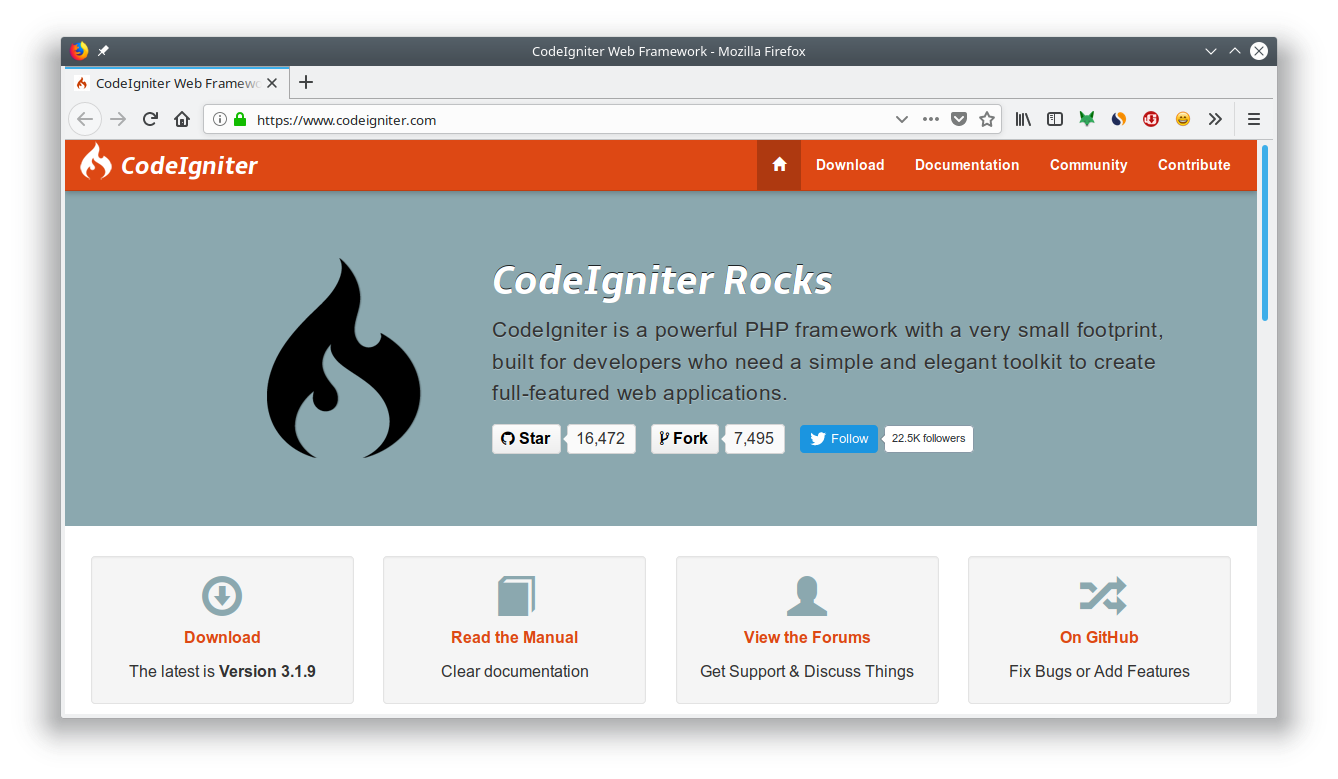
Whereas Codeigniter 4 is still under development. CI 4 is the next generation of CI 3 whose concept is more modern 2 .
Codeigniter is suitable for creating web applications such as:
- News Portal;
- Information Systems;
- Web Startup;
- Company Profile;
- eComerce;
- Blog;
- etc.
Codeigniter advantages
There are several advantages of CodeIgniter (CI) compared to other PHP Frameworks, 3
- Fast performance : Codeigniter is the fastest framework compared to other frameworks. Because it doesn't use template engines and ORM that can slow down the process.
- Configuration is minimal (nearly zero configuration): of course to adjust to the database and the flexibility of routing remains authorized to perform configuration by altering some configuration files such as
database.phporautoload.php, but to use CodeIgniter by setting the standard, you just need to change a little on the file in the config folder. - Has many communities : The CI community in Indonesia is quite crowded, the tutorial is easy to find.
- Complete documentation : Codeigniter accompanied by
user_guidecomplete documentation. - Easy to learn beginners : For beginners, CI is very easy to learn. Because CI doesn't depend too much on additional tools like composer, ORM, template engine, etc.
Examples of websites developed with CodeIgniter
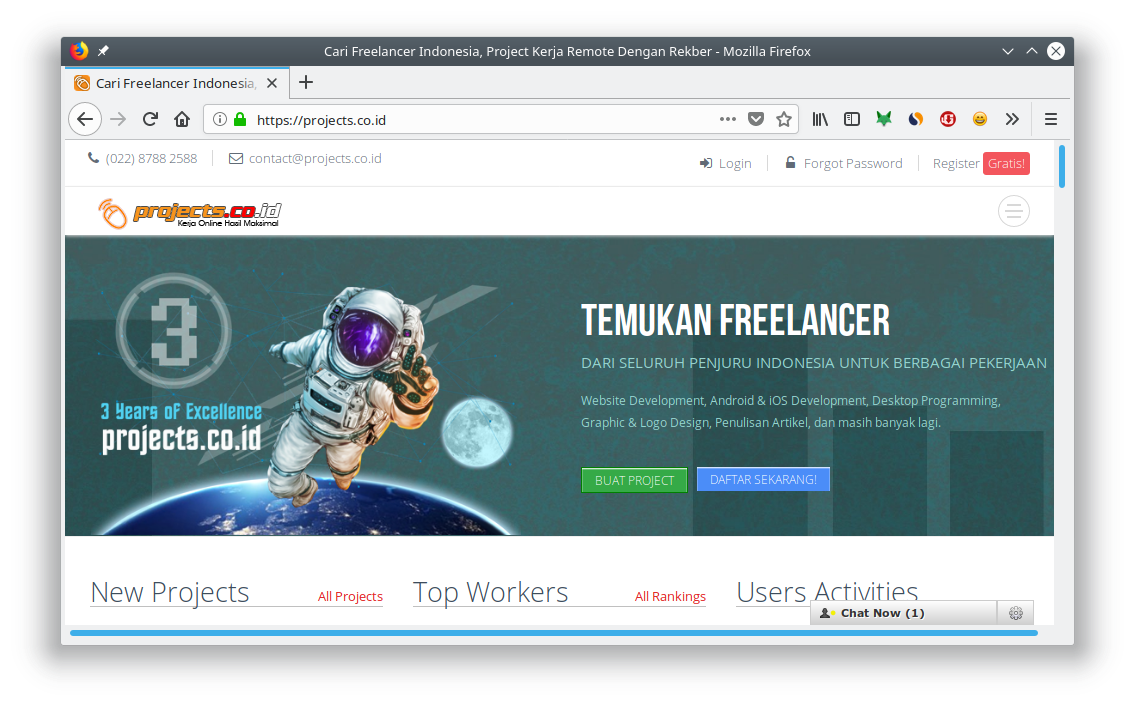
Make a Codeigniter Project
Steps that must be taken to make a CI project:
- Download CodeIgniter;
- Extract CI into htdocs.
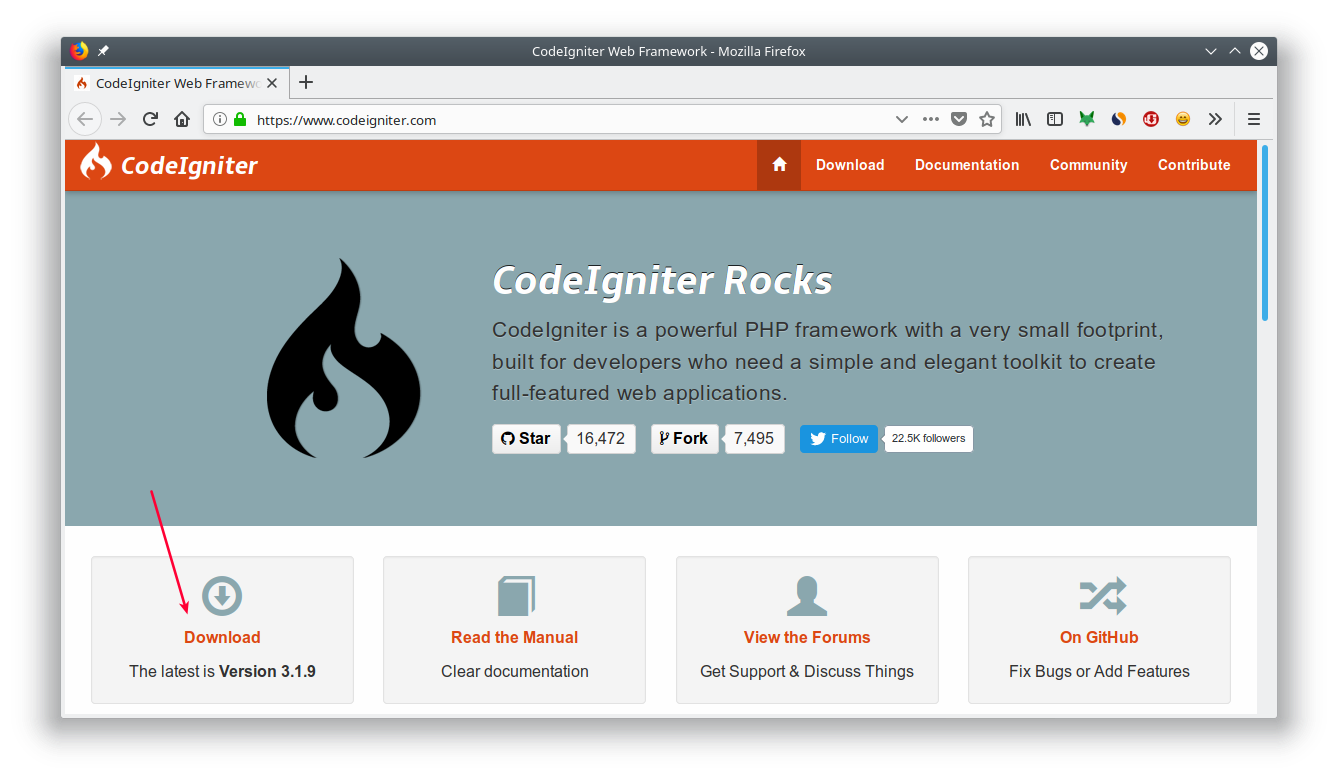
We will get a zip file 
CodeIgniter-3.1.9.zip, extract the file in c:\xampp\htdocs(XAMPP) or /var/www/html(on Linux).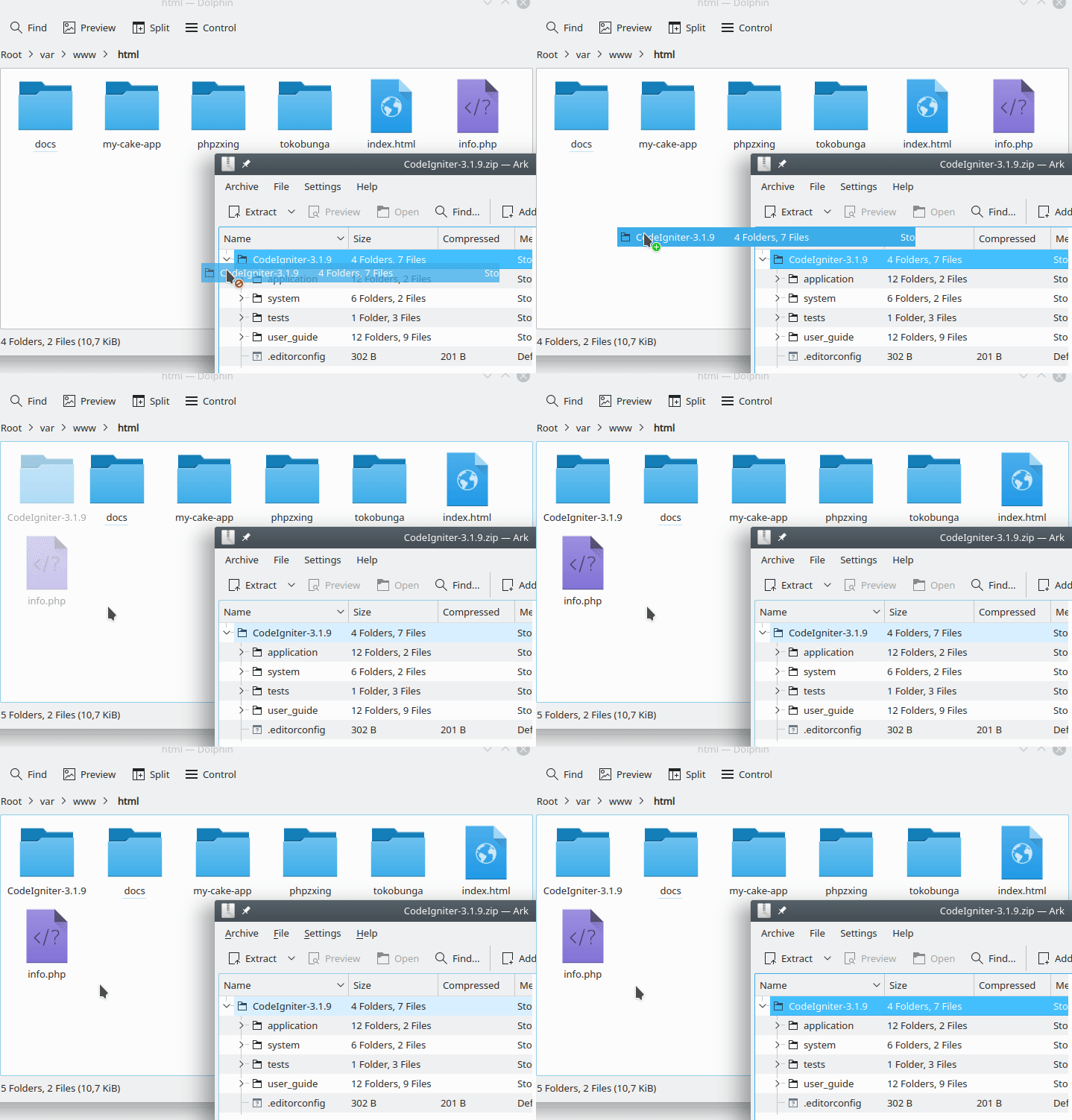
After that, change the name
CodeIgniter-3.1.9to tokobuah.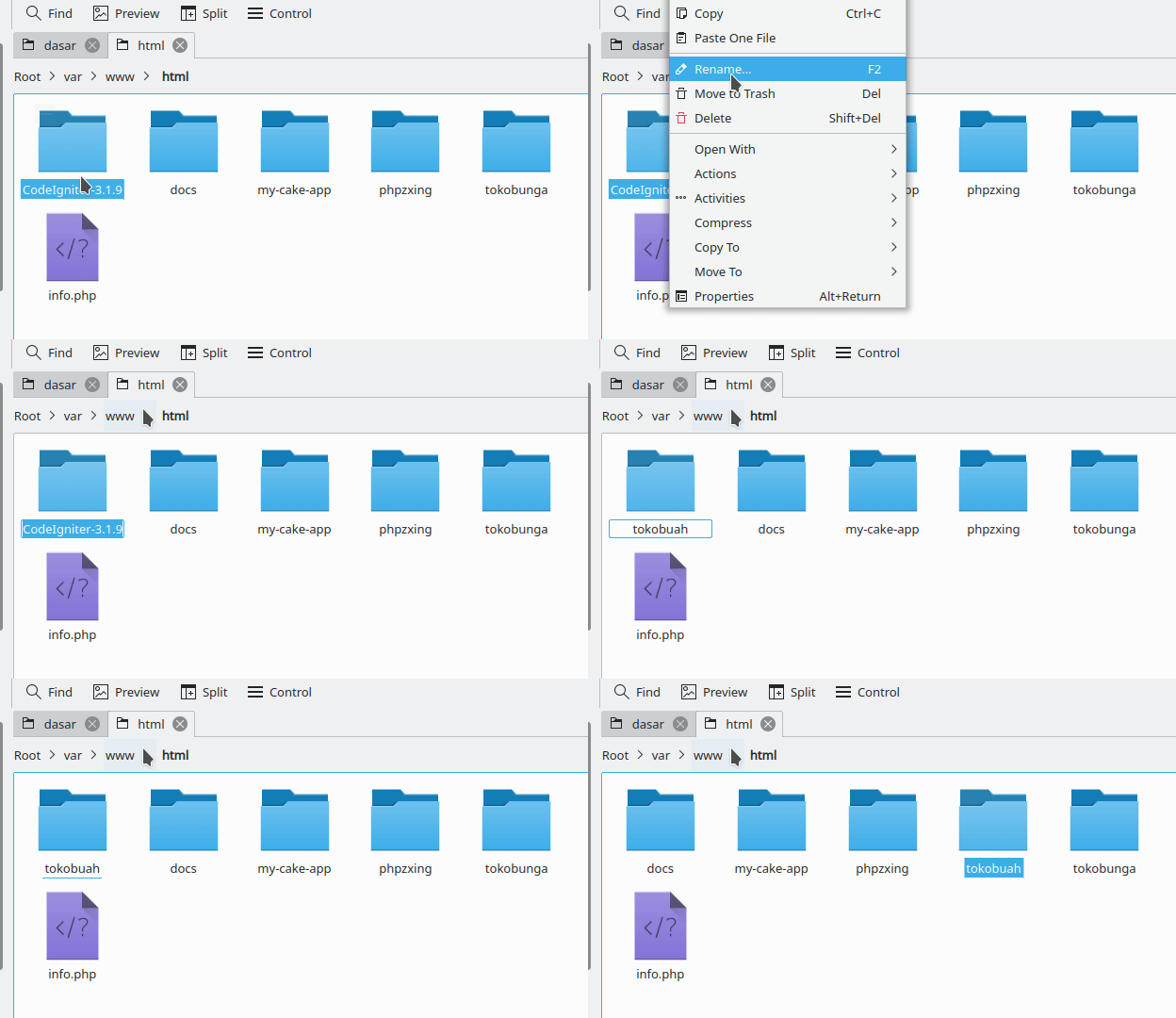
Why is the name
tokobuah?
Because in this project, we will create a website that sells fruit.
Now try opening: http: // localhost / tokobuah /
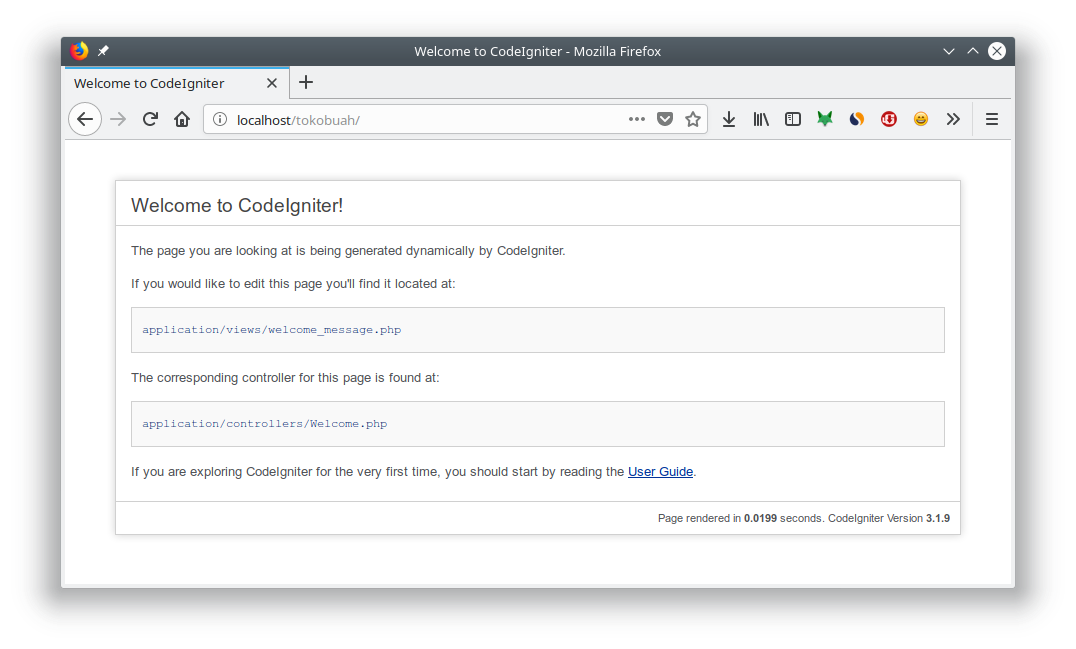
Congratulations  Codeigniter has been installed successfully.
Codeigniter has been installed successfully.
Next, please open with the text editor. Then try to recognize the directory structure.
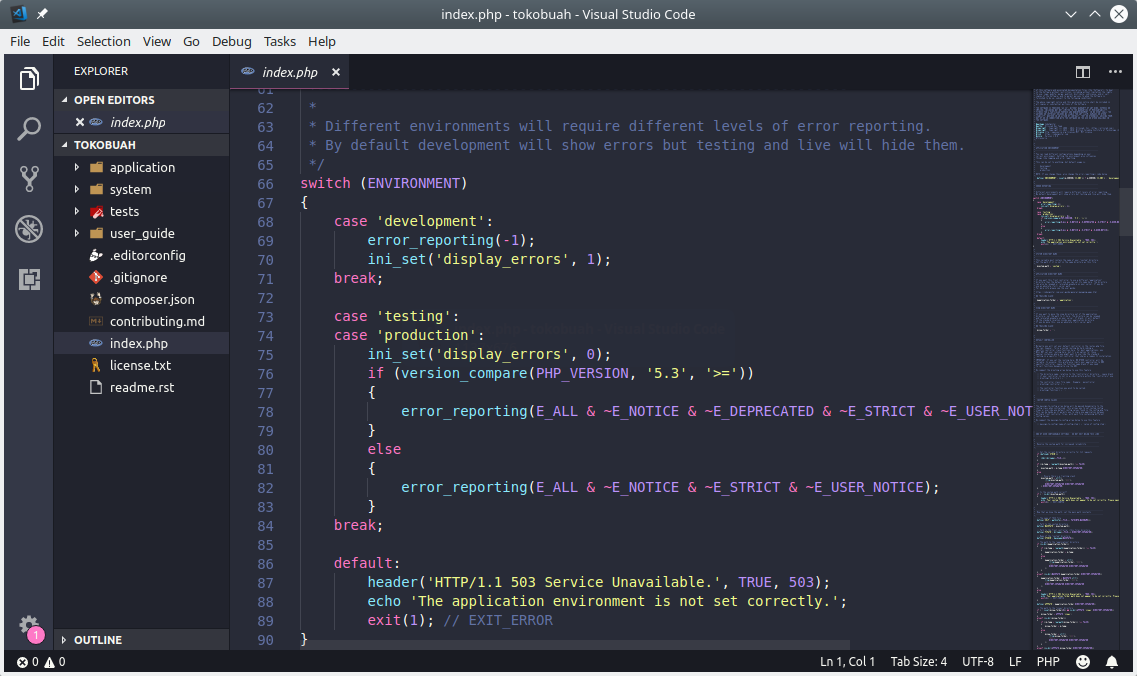
Know Codeigniter's Directory Structure
This is the Codeigniter directory structure:
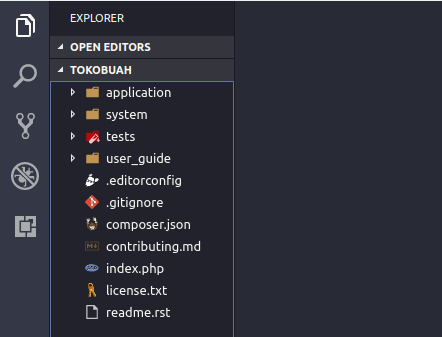
There are two important directories in CI: 
applicationand system. In addition there are also directories user_guideand several files. The following is the explanation:-
applicationcontains all application codes. In this directory we will write all of our application code. -
systemcontains core codes from Codeiniter. Don't change anything in this directory. If we want to upgrade the version, we can simply replace this directory with a new one. -
testscontains code to do unit testing. -
user_guidecontains codeigniter documentation. We can delete this directory when the web is ready. 
.editor_configcontains configuration for the text editor.-
.gitignorecontains a list of files and folders that Gitwill ignore . -
comspoer.jsonis a file that contains a description of the project and description of the library used. This file is needed by composer. 
contributing.mdis a file that contains an explanation of how to contribute to the CI project. We can delete this file, if the web has been created.-
license.txtis a file that contains a license description from CI. -
readme.rstjust like this file contributing.mdfile contains an explanation and information about the CI project. We can also delete this file when the web is finished. -
index.phpis the main file from CI. The file that will be opened the first time when we access the web.
Next, please open the directory
applicationand note the directory there.-
cachecontains the cache of the application. -
configcontains application configuration.-
autoload.phpwhere we define autoload; -
config.phpapplication configuration; -
constants.phpcontains constants; -
database.phpapplication database configuration; -
doctypes.phpcontains definitions for HTML doctype ; -
foreign_chars.phpcontains characters and symbols; -
hooks.phpcontains hooks configuration ; -
index.htmlto prevent direct access; -
memcached.phpto contain the configuration for memcached; -
migration.phpconfiguration for migration; -
mimes.phpcontains file type definitions; -
profiler.phpconfiguration for profilers; -
routers.phpwhere we write the application route; -
smileys.phpcontains code for emojis; -
user_agents.phpcontains definitions for user agents .
-
controllercontains the code for the controller. -
corecontains code for custom cores. -
helperscontains helper functions. -
hookscontains the code for the hook script . -
languagecontains strings for languages, if the web supports multilingual. -
librariescontains a library. -
logscontains logs from the application. -
modelscontains the code for the model. -
thrid_partycontains libraries from third parties. -
viewscontains code for view. -
index.htmlhtml file to prevent direct access.
Welcome to Codeigniter
This is the initial display that we will see when we first install CI.
As a warm up, try to change the text
Welcome to CodeIgniter!to Selamat datang di Toko Buah Petanikode.
How:
Open file
application/views/welcome_message.php. Then change the text on the line 71.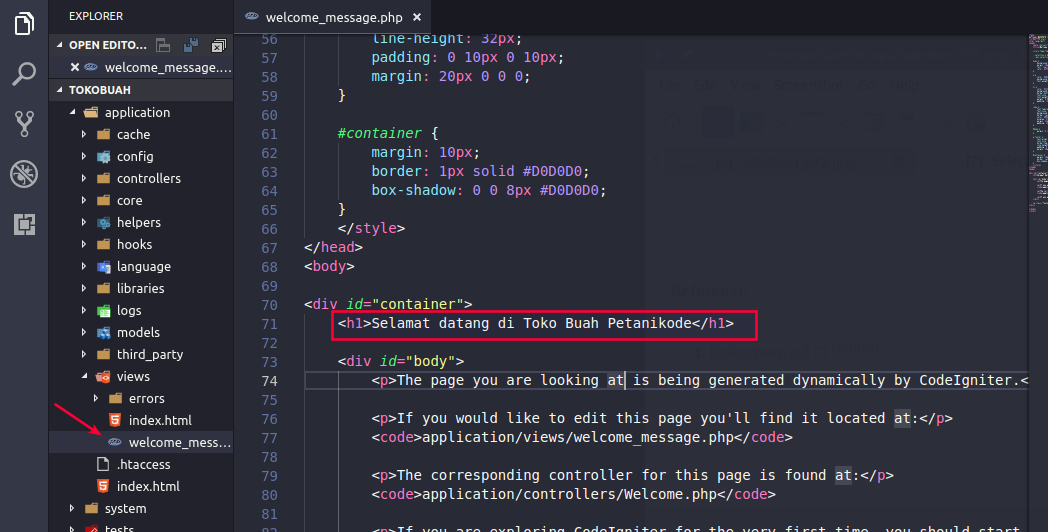
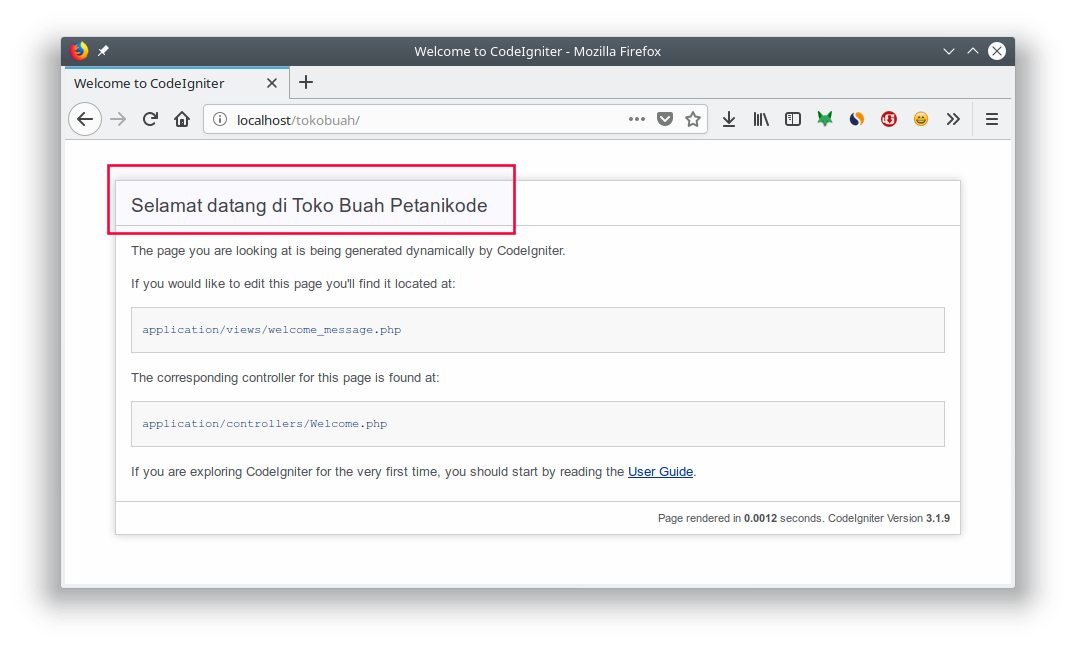
Congratulations
This is the first change you make.
Explanation:
Files
welcome_message.phpthat are in a directory viewsare files that are responsible for displaying something. Here we can write code for templates and CSS.
Files
welcome_message.phpbe loaded by a controller application/controllers/welcome.phpwith the code:public function index()
{
$this->load->view('welcome_message');
}
The controller
welcomeis the default controller used. This can be seen in the configuration routers at application/config/routers.php.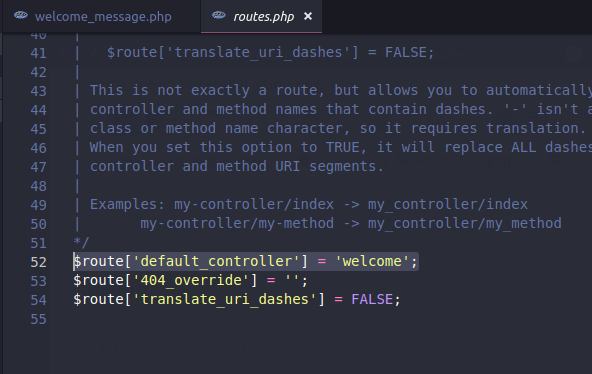


1 Komentar untuk "Codeigniter Tutorial # 1: Introduction to CodeIgniter for Beginners"
Interesting thoughts, I really enjoyed your blog
Please comment according to the article